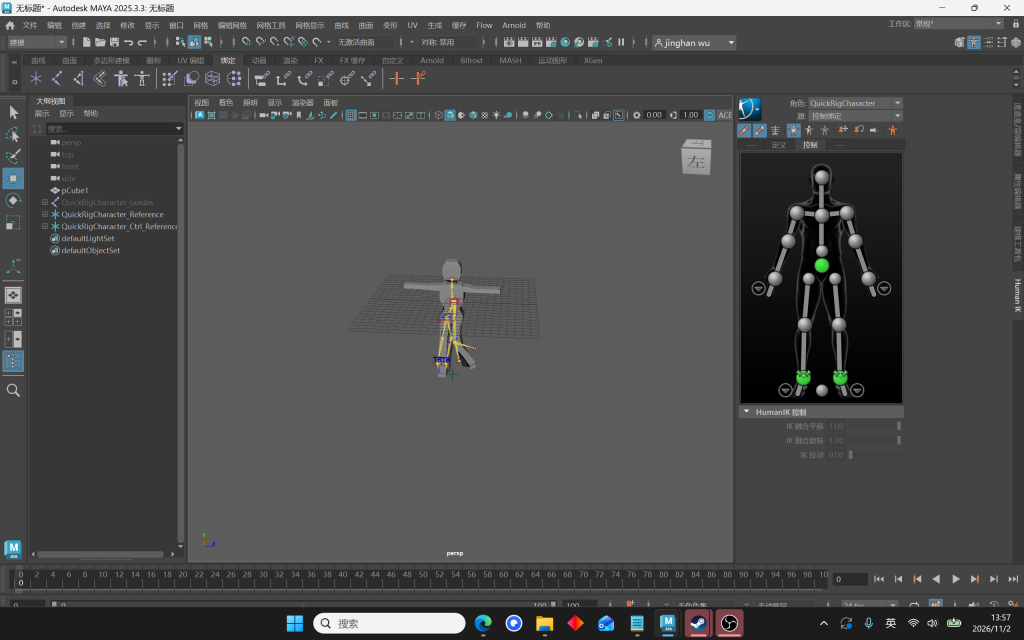
11/3 Create character and skeletal rigging in Maya
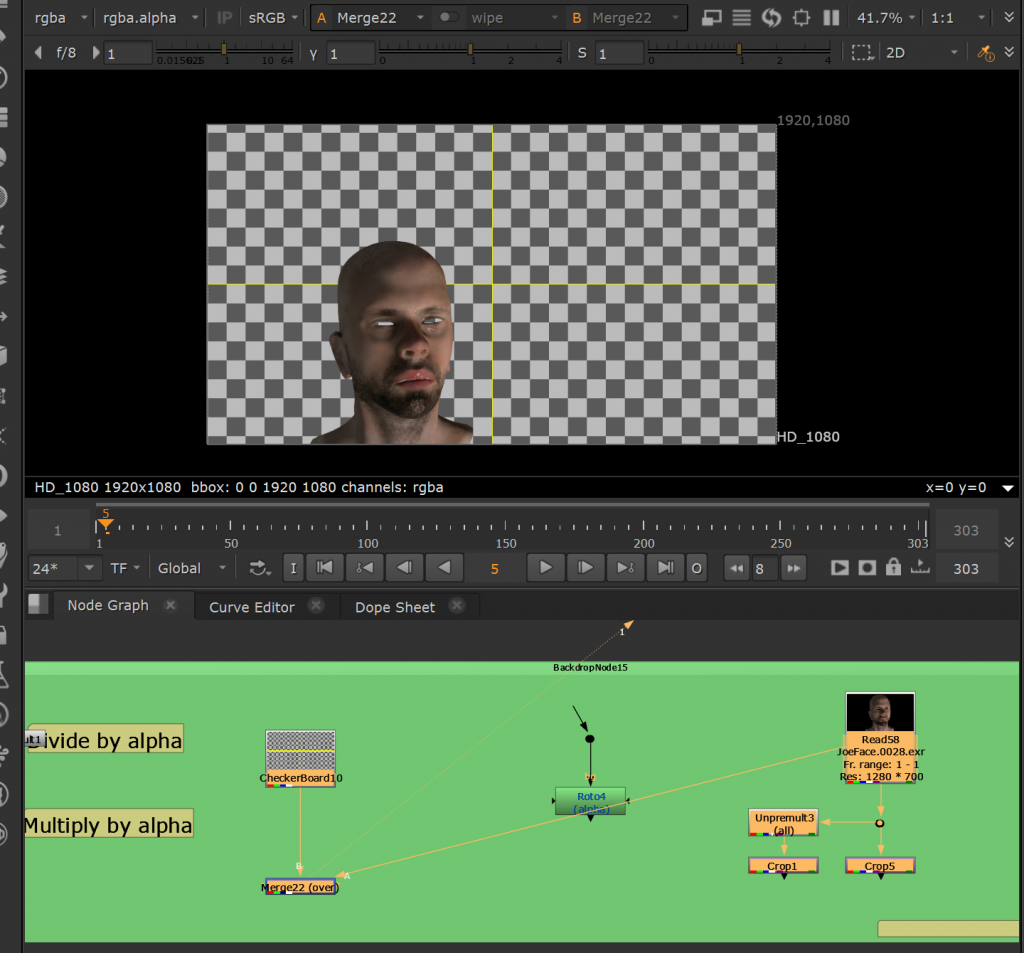
11/5 permult and unpremult(combine rgb and aplha)
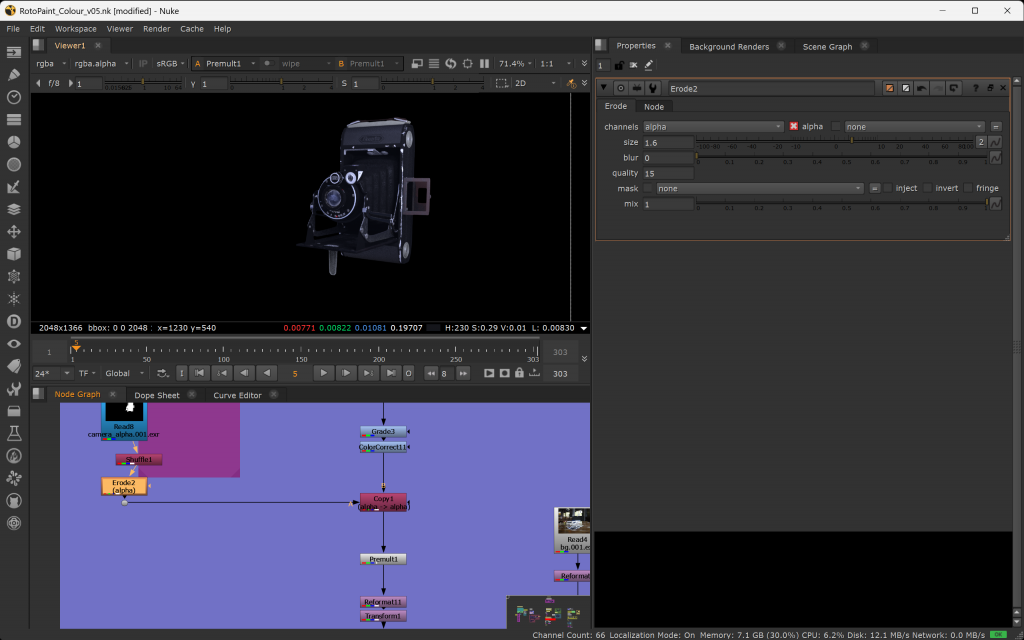
Use the Shuffle node to convert the channel information into an alpha channel, then use the Erode node to modify the edges of the alpha channel.
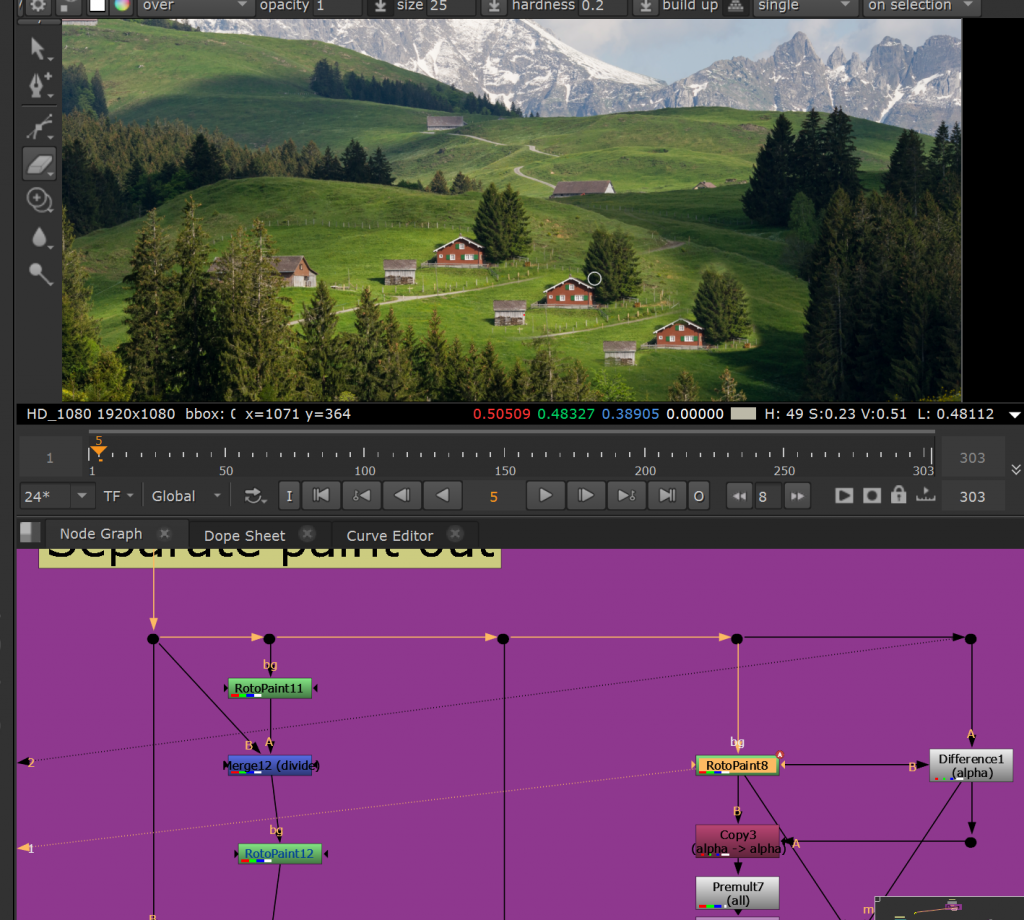
In RotoPaint, with the Clone tool, hold Ctrl to set the clone source offset.
11/9
11/9 GOBO lighting
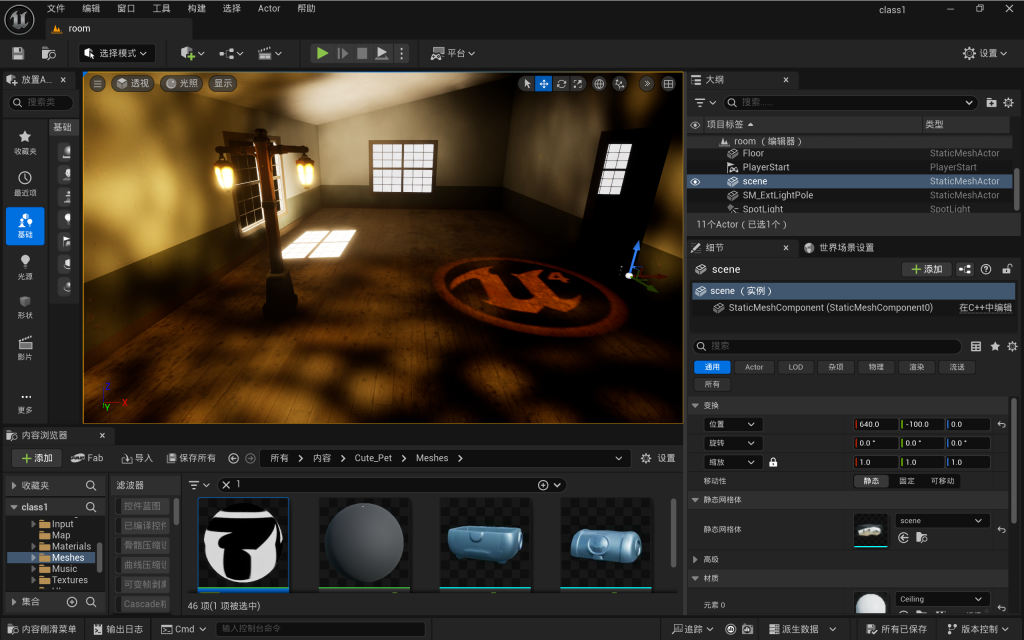
To make a SpotLight project a custom image/shaped projection:
- Create a Material in Unreal Engine.
- Change the Material Domain to Light Function.
- Import your texture (preferably black and white).
- Plug the texture into the Emissive Color node (i.e. connect the texture sample’s RGB to the emissive input).
- Assign this material to the SpotLight’s Light Function Material slot in the Details panel.
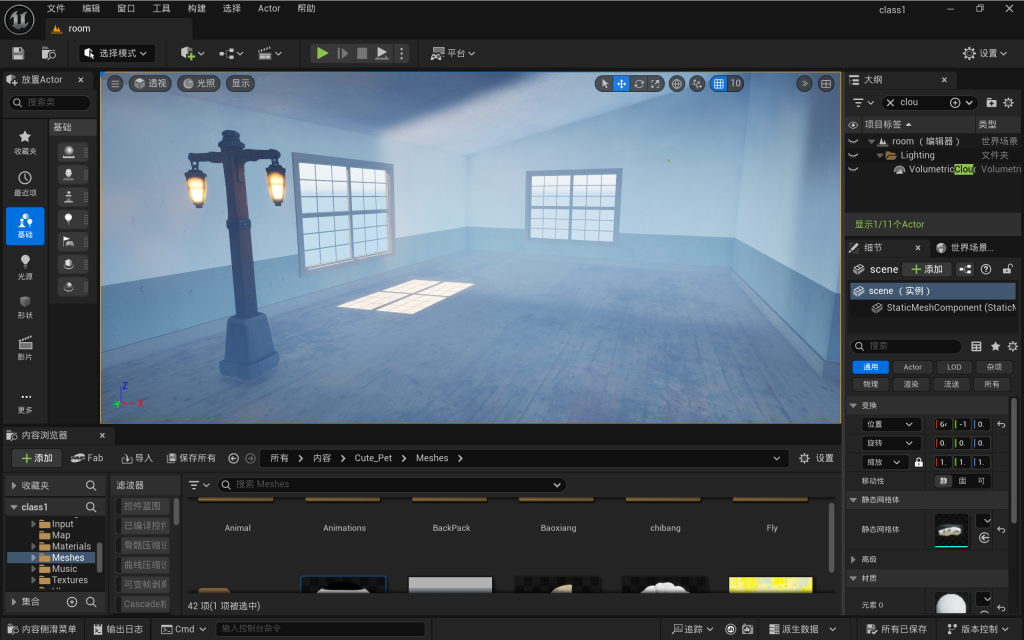
Add ambient light: sky atmosphere and volumetric clouds
11/16
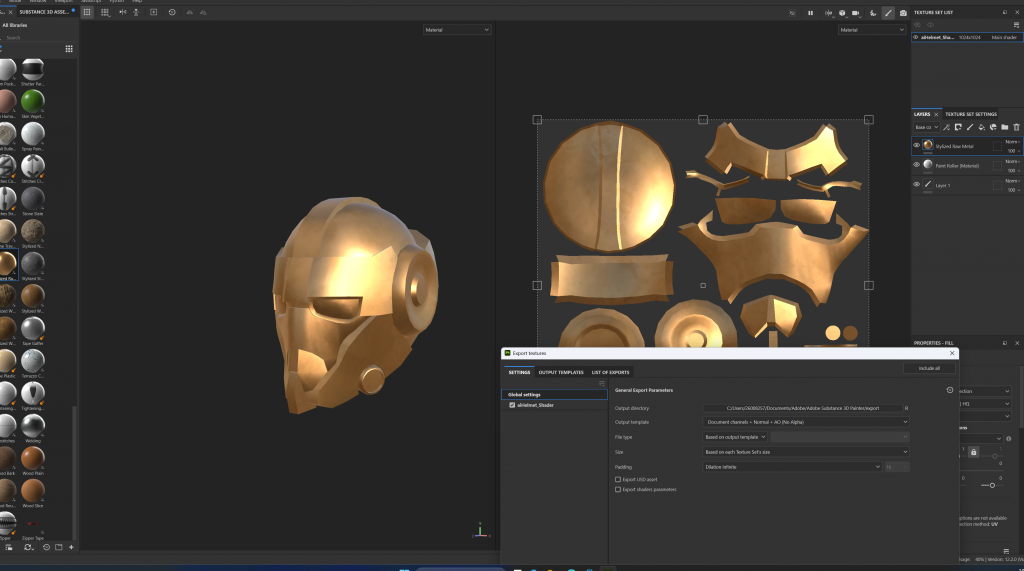
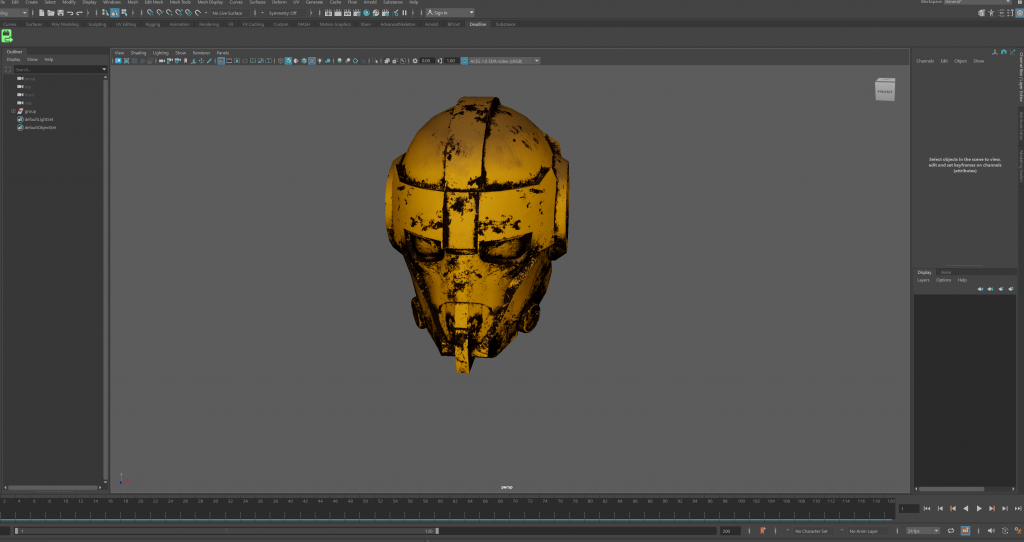
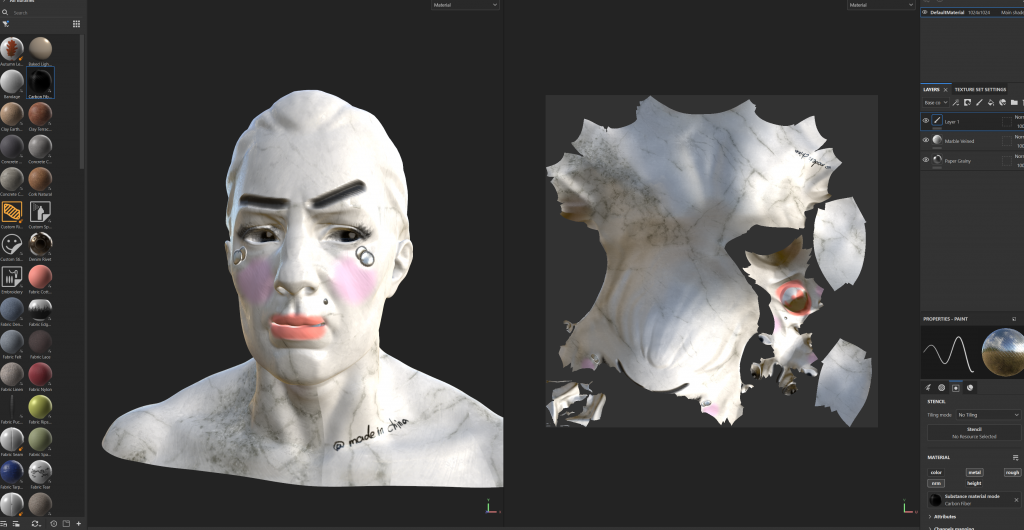
from substance printer export to maya with materials
11/23
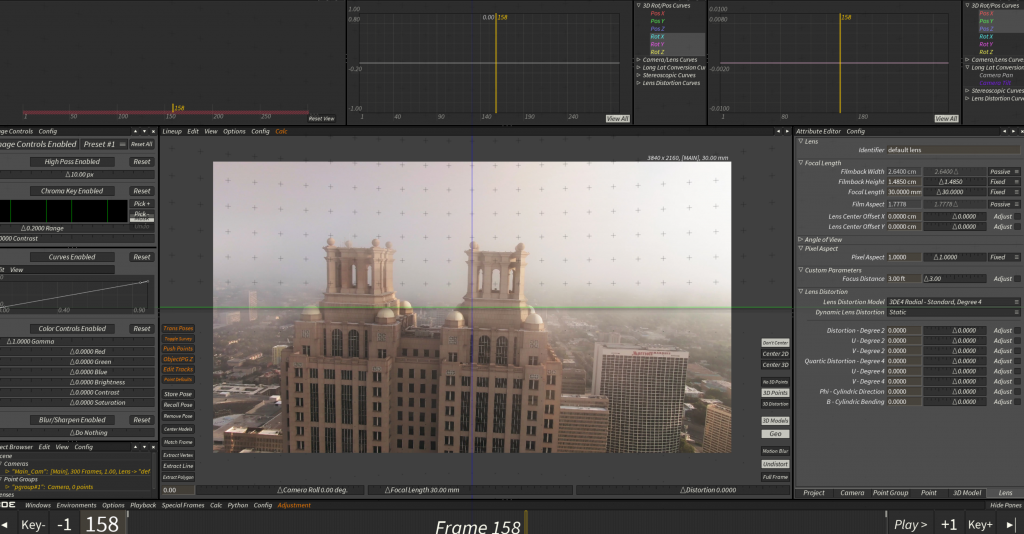
3D Equalize software
Leave a Reply